The Beheaded needs a better map. Or do they?


OBJECTIVE

Design and pitch an update to the existing UI systems in the game Dead Cells.

Based on user testing, this update focuses on the navigational systems and their related UIs, especially the mini-map. The most important aspect of this initial redesign was to improve clarity and accessibility in the mini-map.

i. User Testing

Before delving into any design work, I started by gathering data from potential users. Testing involved an entrance demographics survey, a live playtest with observational notes, and an exit qualitative interview about their experience.
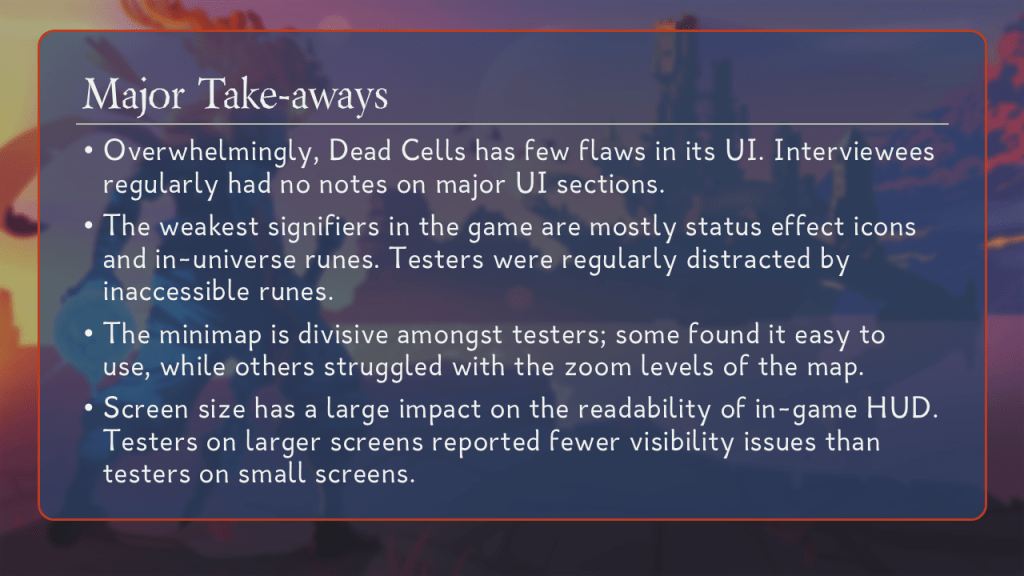
Major Take-Aways.
Overwhelmingly, Dead Cells has few flaws in its UI. Interviewees regularly had no notes on major UI sections.
The weakest signifiers in the game are mostly status effect icons and in-universe runes. Testers were regularly distracted by inaccessible runes.
The minimap is divisive amongst testers; some found it easy to use, while others struggled with the zoom levels of the map.
Screen size has a large impact on the readability of in-game HUD. Testers on larger screens reported fewer visibility issues than testers on small screens.

[OneDrive — Preview sample playtest document.]

ii. Apply Testing Data

The goal of using the tester data is to find points of friction in their experience. Testers responded positively to the UI across the board, save for the mini-map element; testers reported grievance with the zoom level and size of the mini-map. This allows us to narrow down to a problem statement, from which we can start considering solutions.
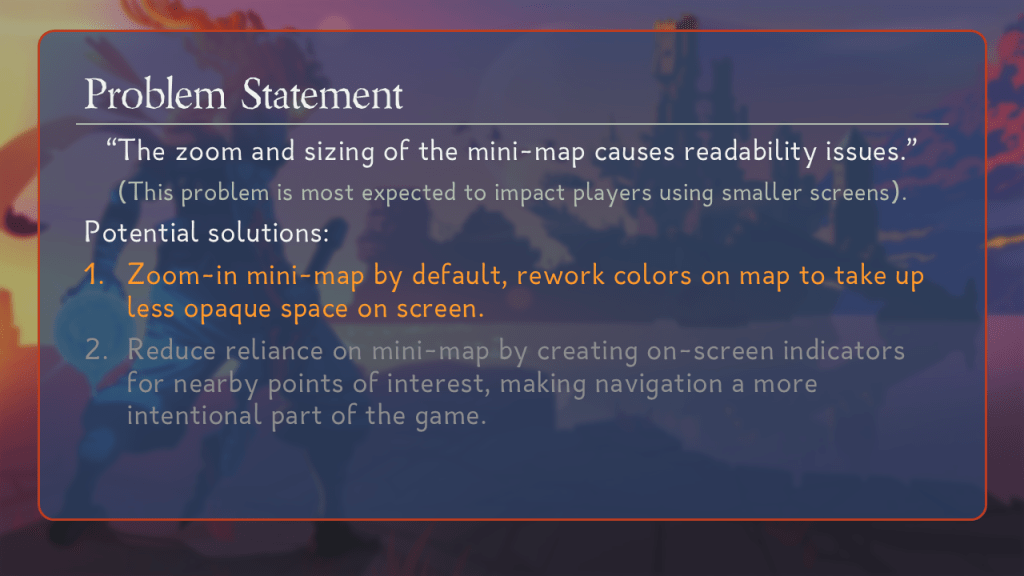
Problem Statement.
“The zoom and sizing of the mini-map causes readability issues.”
(This problem is most expected to impact players using smaller screens).
Potential solutions:
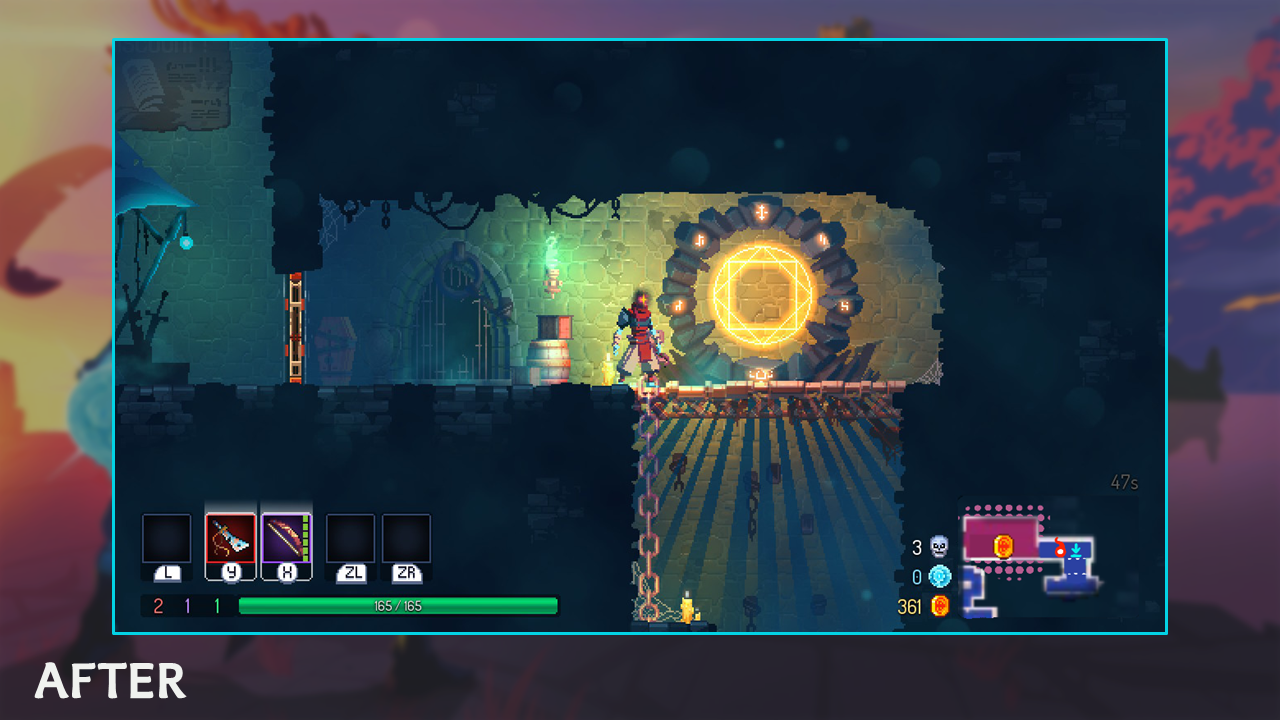
(Highlighted) Zoom-in mini-map by default, rework colors on map to take up less opaque space on screen.
(Greyed out.) Reduce reliance on mini-map by creating on-screen indicators for nearby points of interest, making navigation a more intentional part of the game.

iii. Develop Solutions

When designing this update, I took the approach of tackling the solution in layers. I laid out a series of goals for each layer, and then applied it to a visualization of the element. I used Affinity Photo to kit-bash the wireframe over screenshots.
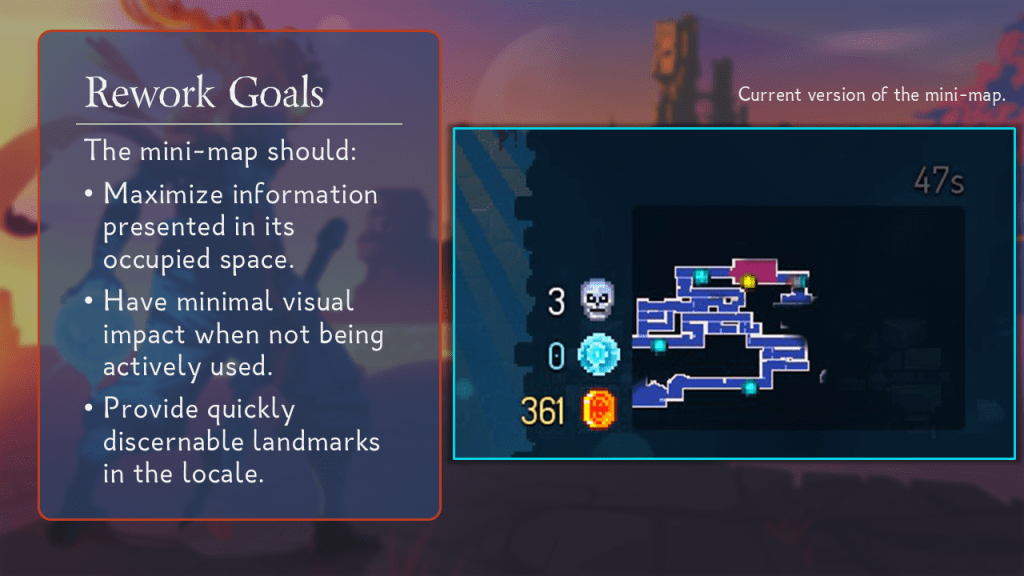
Rework goals.
The mini-map should:
Maximize information presented in its occupied space.
Have minimal visual impact when not being actively used.
Provide quickly discernible landmarks in the locale.
Zoom.
The map will be zoomed in more by default.
The immediate area can be represented in higher detail with less risk of visual clutter.
Distant swathes of the biome are now obfuscated behind opening the full-sized map.
The higher zoom will increase the size of shapes and colors on the map, potentially drawing too much attention during high-uptime gameplay (which is a risk).
Visibility.
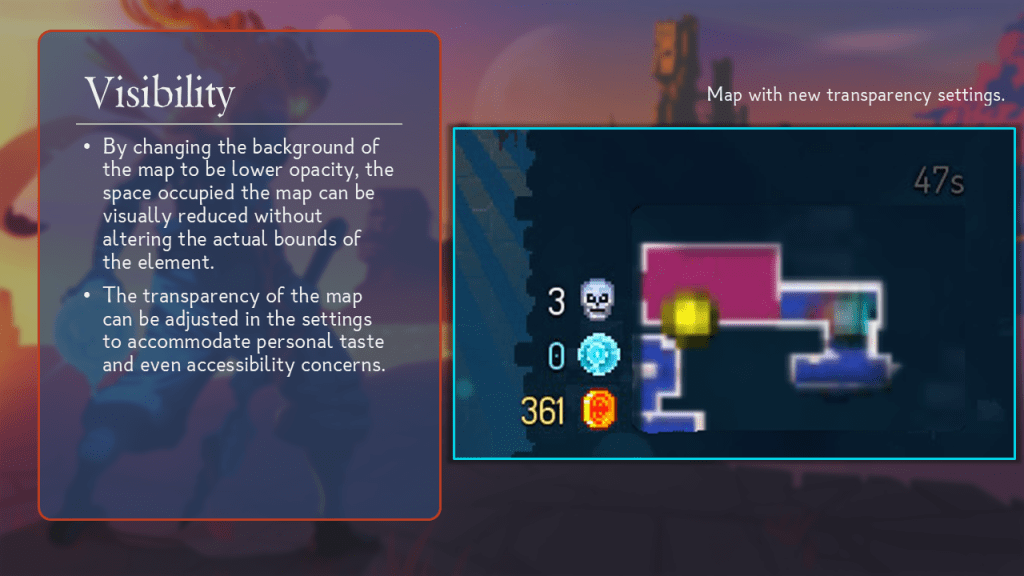
By changing the background of the map to be lower opacity, the space occupied the map can be visually reduced without altering the actual bounds of the element.
The transparency of the map can be adjusted in the settings to accommodate personal taste and even accessibility concerns.
Points of interest.
The closer zoom accommodates newly descriptive icons for points of interest (items, vines, monoliths).
Higher fidelity icons will contribute to visual clutter (bad), so players can optionally adjust the size of icons in the settings menu.
To compensate for the lower range of vision, consider even adding an effect behind POI rooms like shops or treasure to better highlight them, even off-screen.

iv. Implementation

At that point, my proposal could’ve been greenlit by leadership, and we would move on to implementation. Dead Cells‘s current modding support does not allow UI changes, so for this project, we will settle for what-ifs.


OBJECTIVE

Design and pitch a drastic pivot from the proposed update.
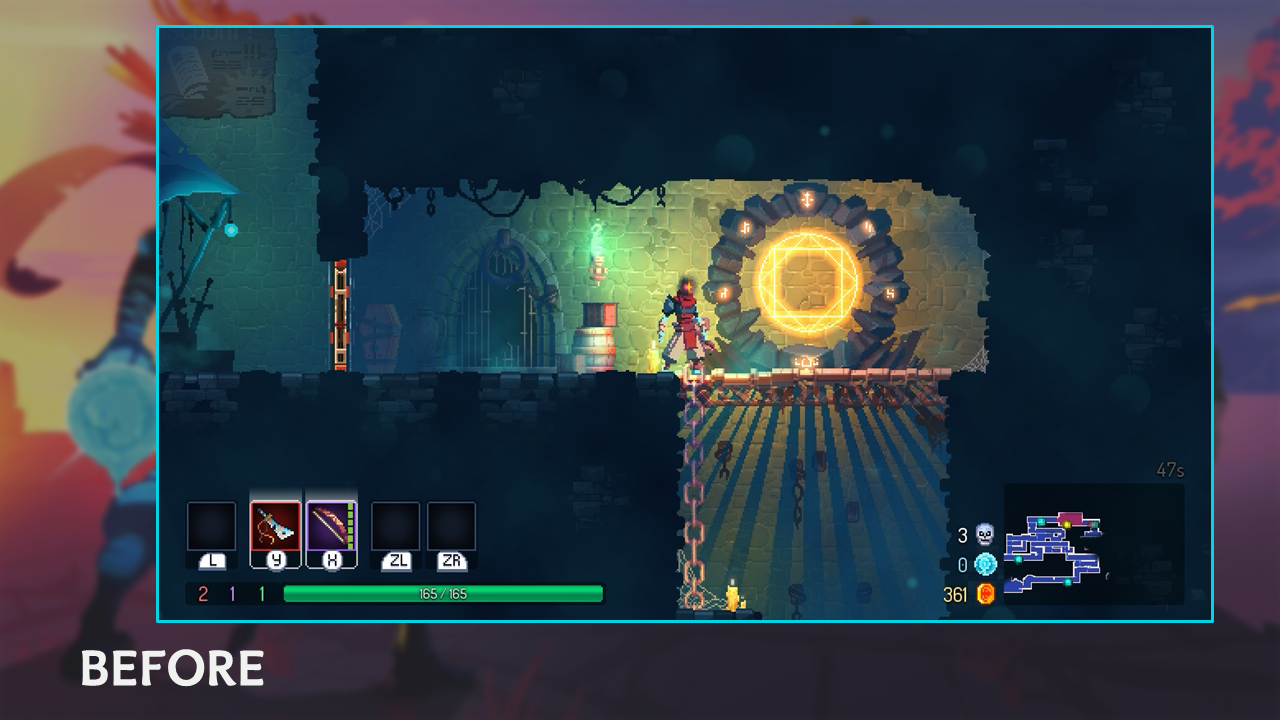
For this exercise, I assume that my proposal above is declined in favor of a more systems-forward approach to the navigation gameplay sub-loop.
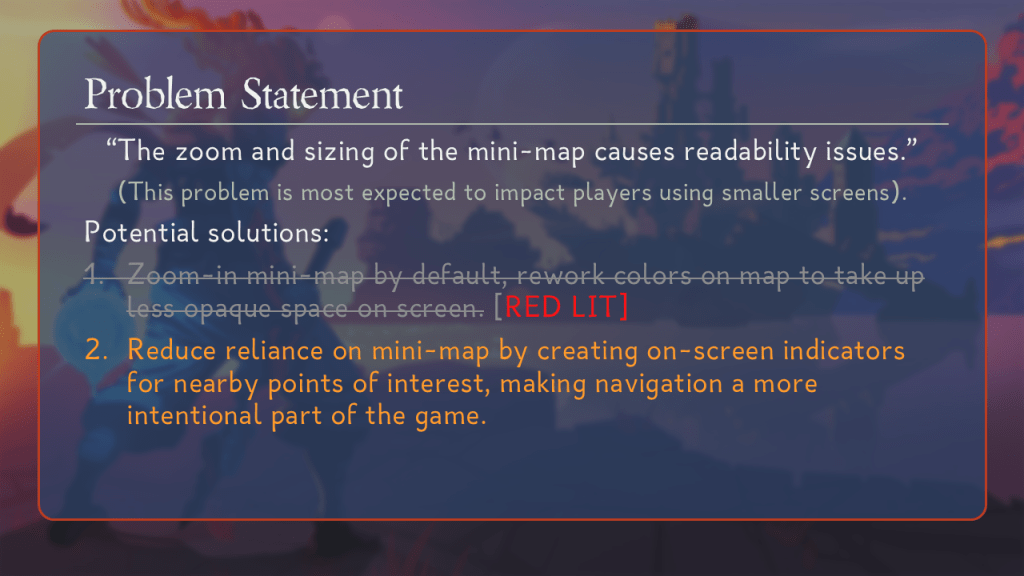
Problem Statement.
“The zoom and sizing of the mini-map causes readability issues.”
(This problem is most expected to impact players using smaller screens).
Potential solutions:
(Greyed out) Zoom-in mini-map by default, rework colors on map to take up less opaque space on screen. Red lit.
(Highlighted) Reduce reliance on mini-map by creating on-screen indicators for nearby points of interest, making navigation a more intentional part of the game.

The design consideration that ties this whole pivot together is being faithful to the game’s design pillars. Motion Twin has stated that challenge is a deliberate part of the game; the game toes a delicate line of being difficult enough to be engaging but accessible enough that anyone can do it. I intentionally carried those sentiments into my design for this pivot.

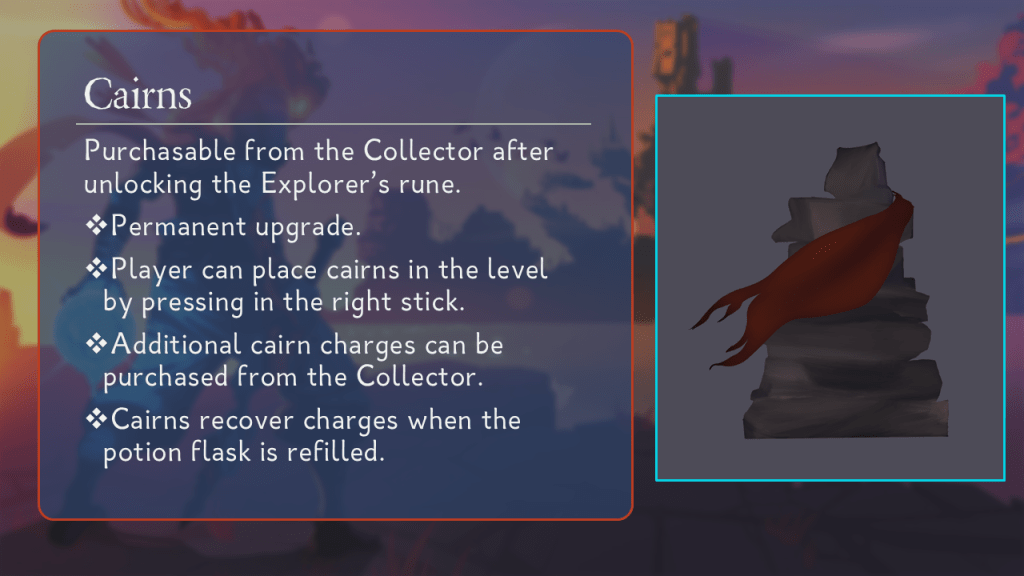
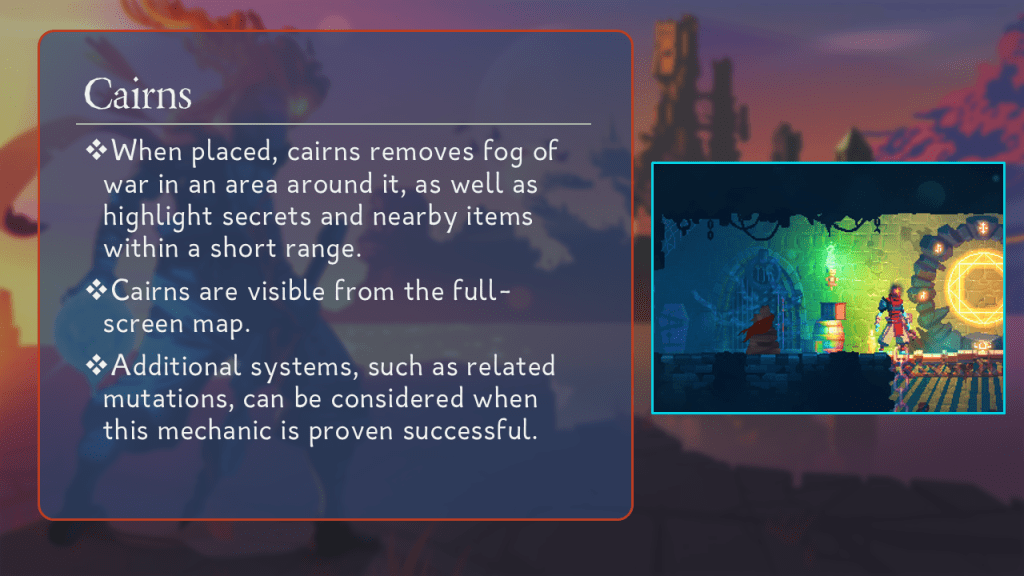
I took a two-pronged approach. I reduced the importance of the mini-map by recycling an existing UI element — off-screen indicators (usually used for switches). Then, I added a new deployable as part of the player’s toolkit; cairns allow the player to place persistent markers in the world to mark points of interest and clear fog of war.

Reduce the screen space dedicated to local navigation.
Local area is fully navigable without the use of the full-screen map.
Add challenge to navigation gameplay inline with design values.
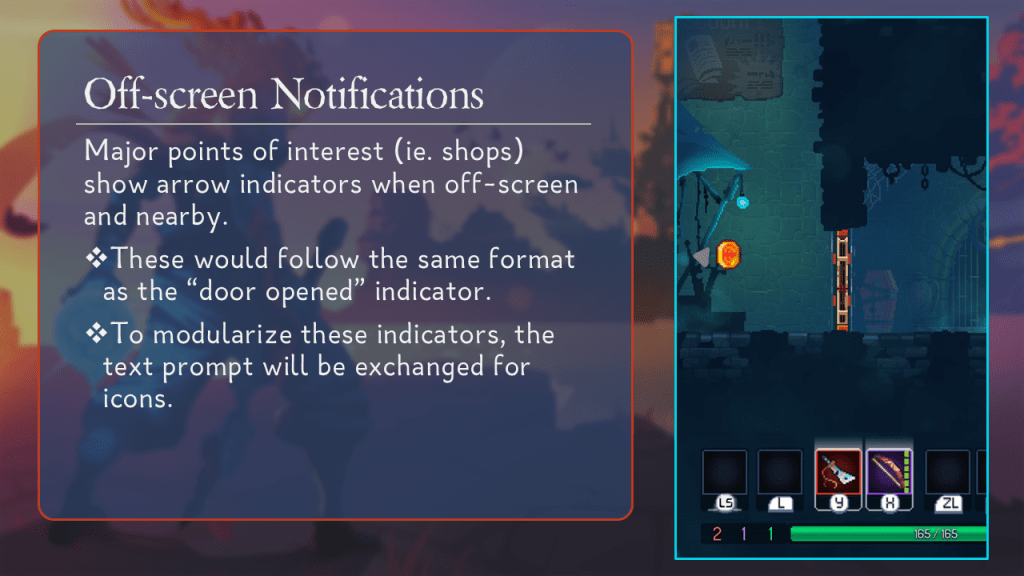
Off-screen Notifications.
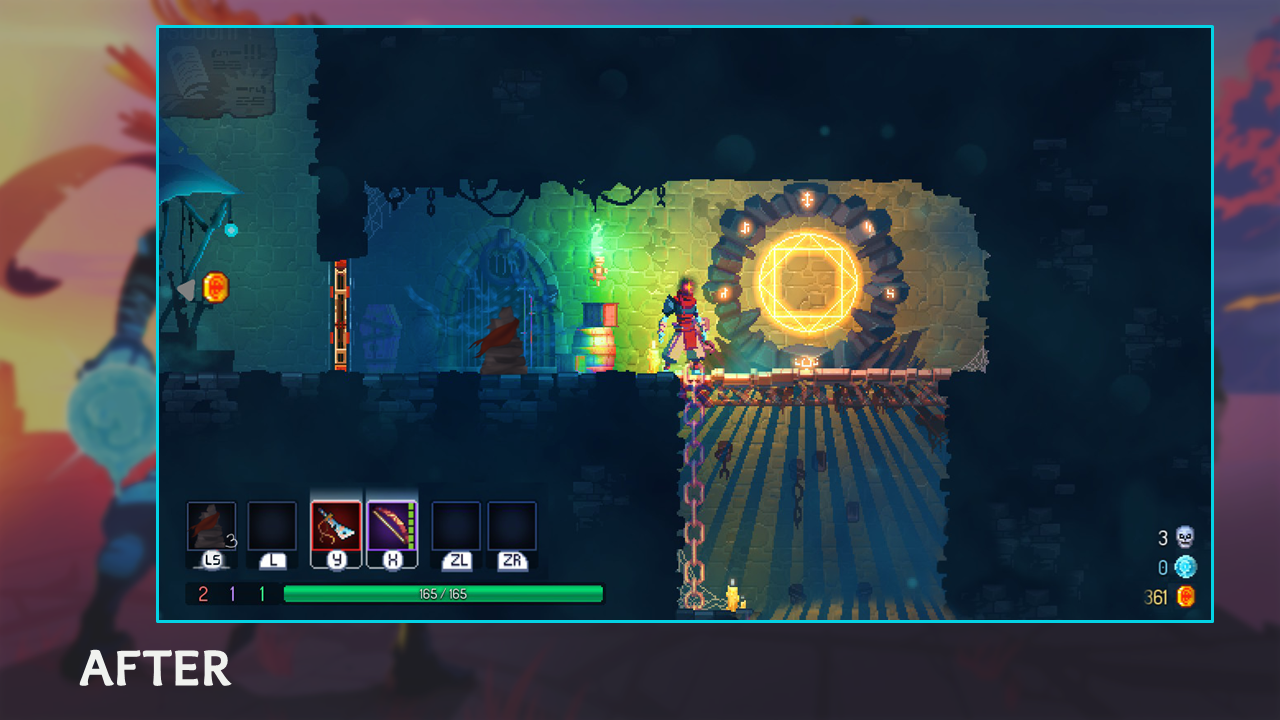
Major points of interest (ie. shops) show arrow indicators when off-screen and nearby.
These would follow the same format as the “door opened” indicator.
To modularize these indicators, the text prompt will be exchanged for icons.
Cairns.
Purchasable from the Collector after unlocking the Explorer’s rune.
Permanent upgrade.
Player can place cairns in the level by pressing in the right stick.
Additional cairn charges can be purchased from the Collector.
Cairns recover charges when the potion flask is refilled.
When placed, cairns removes fog of war in an area around it, as well as highlight secrets and nearby items within a short range.
Cairns are visible from the full-screen map.
Additional systems, such as related mutations, can be considered when this mechanic is proven successful.